

Conversations
The Conversations page shows every conversation your bot has had with visitors. Instead of isolated question-and-answer pairs, each entry is a full conversation — the complete back-and-forth of a visitor session, including any agentic actions the bot performed (product cards, booking forms, checkout links, support tickets).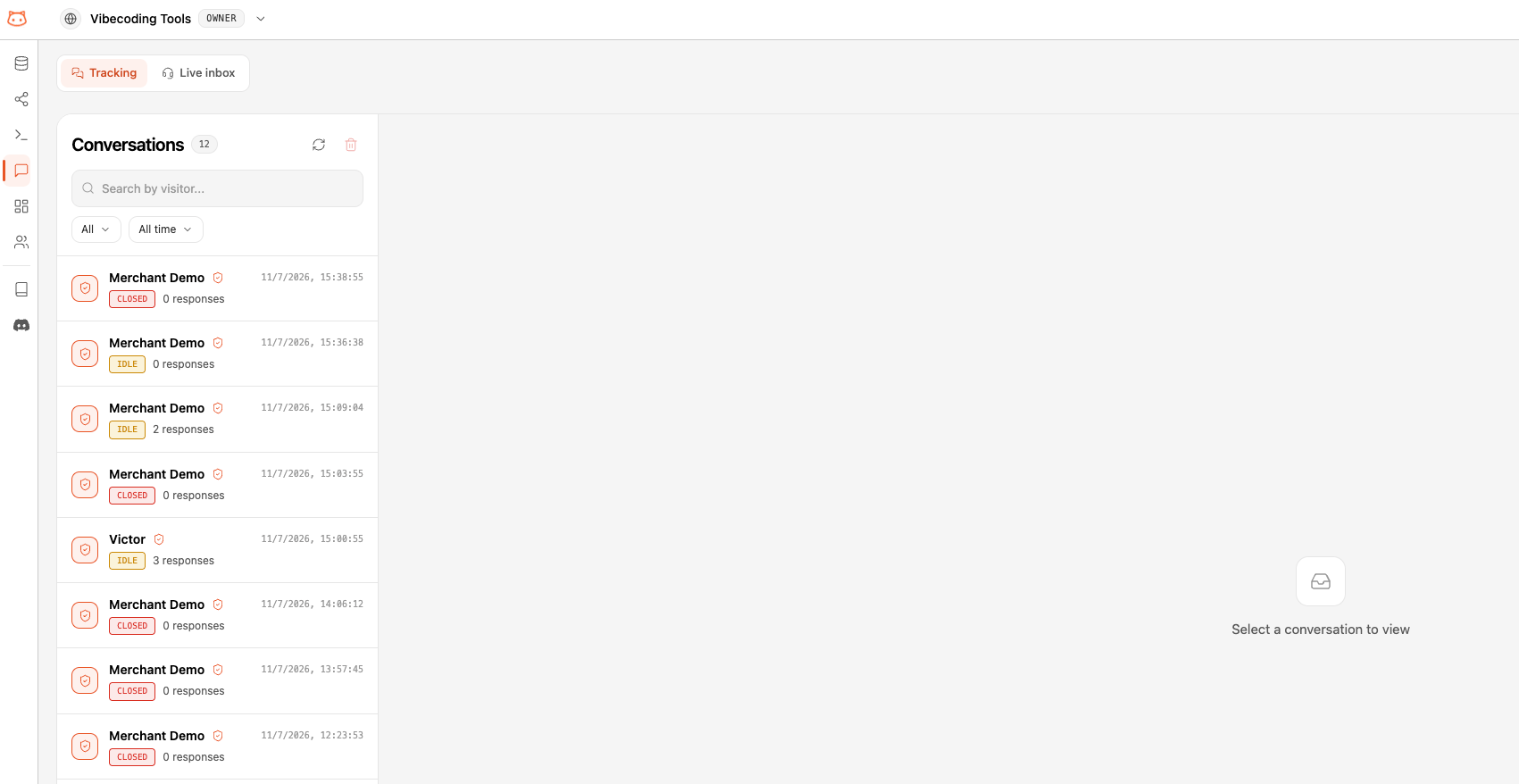
The Conversation List
Each row is one visitor conversation. For each one you can see:- Visitor — a short identifier for the visitor session. If the visitor was identified with a signed token, their name or email appears instead.
- Status —
Open,Idle, orClosed, reflecting how recently the visitor was active. - Responses — how many bot responses the conversation contains.
- Last activity — when the conversation was last active.
Conversation Detail
Click any conversation to open its full timeline. You’ll see the entire exchange in order — visitor messages, bot answers, and every agentic step the bot took along the way: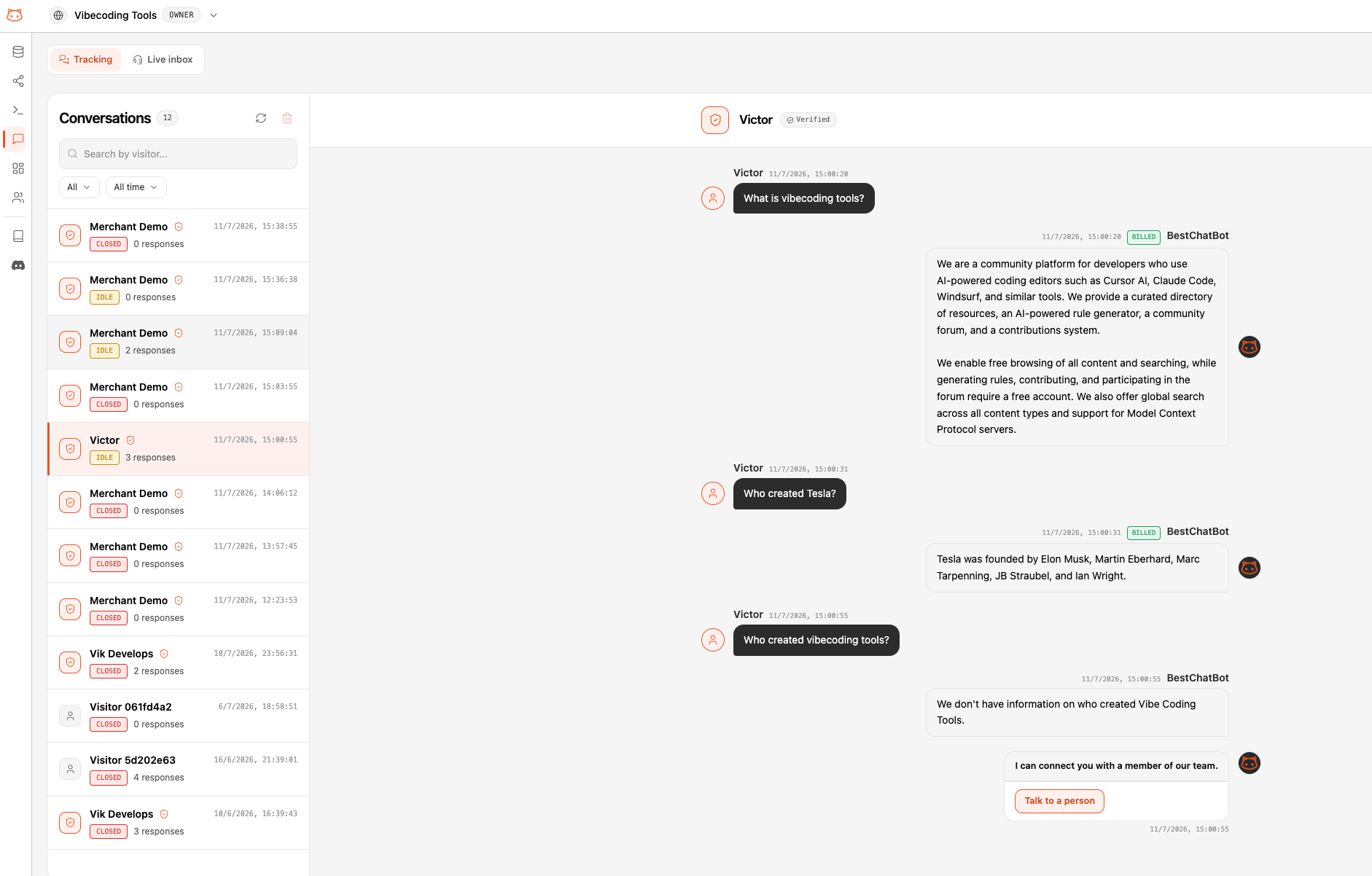
This makes it easy to see not just what the bot said, but what it did. Each conversation is anchored to a single visitor session, so you always get the full thread rather than scattered messages.
Next Steps
Agentic Actions
Learn how the bot takes the actions you see in conversations.
Knowledge Graph
Visualize how your content connects.