

Calendly
Category: Scheduling. Connect Calendly and your widget can book and cancel meetings for visitors, right inside the chat.Integrations are available on the Pro and Business plans. Calendly shares the Scheduling category with Cal.com, so only one of the two can be active at a time.
What This Bot Can Do
The bot does exactly these actions, nothing more. “Needs sign-in” means the visitor must be identified first; otherwise the bot gives a safe, neutral answer.What It Can’t Do
Calendly is scoped to the actions above. It does not:- Book meetings on Calendly’s free plan (it can only show availability there)
- Reschedule a meeting (the visitor cancels and books a new time instead)
- List or show all of a visitor’s meetings
- Check availability more than 7 days ahead in a single request
How to Connect
Connecting an integration requires an Editor, Admin, or Owner role, on the Pro or Business plan. See Members & Roles.
Open Integrations
In your workspace dashboard, open your Web Widget → Integrations tab and find Calendly.
Connect and authorize
Click Connect. A secure popup opens — sign in to Calendly and Approve the requested access. You never type credentials into BestChatBot. If Cal.com is currently active, you’ll be asked to confirm replacing it.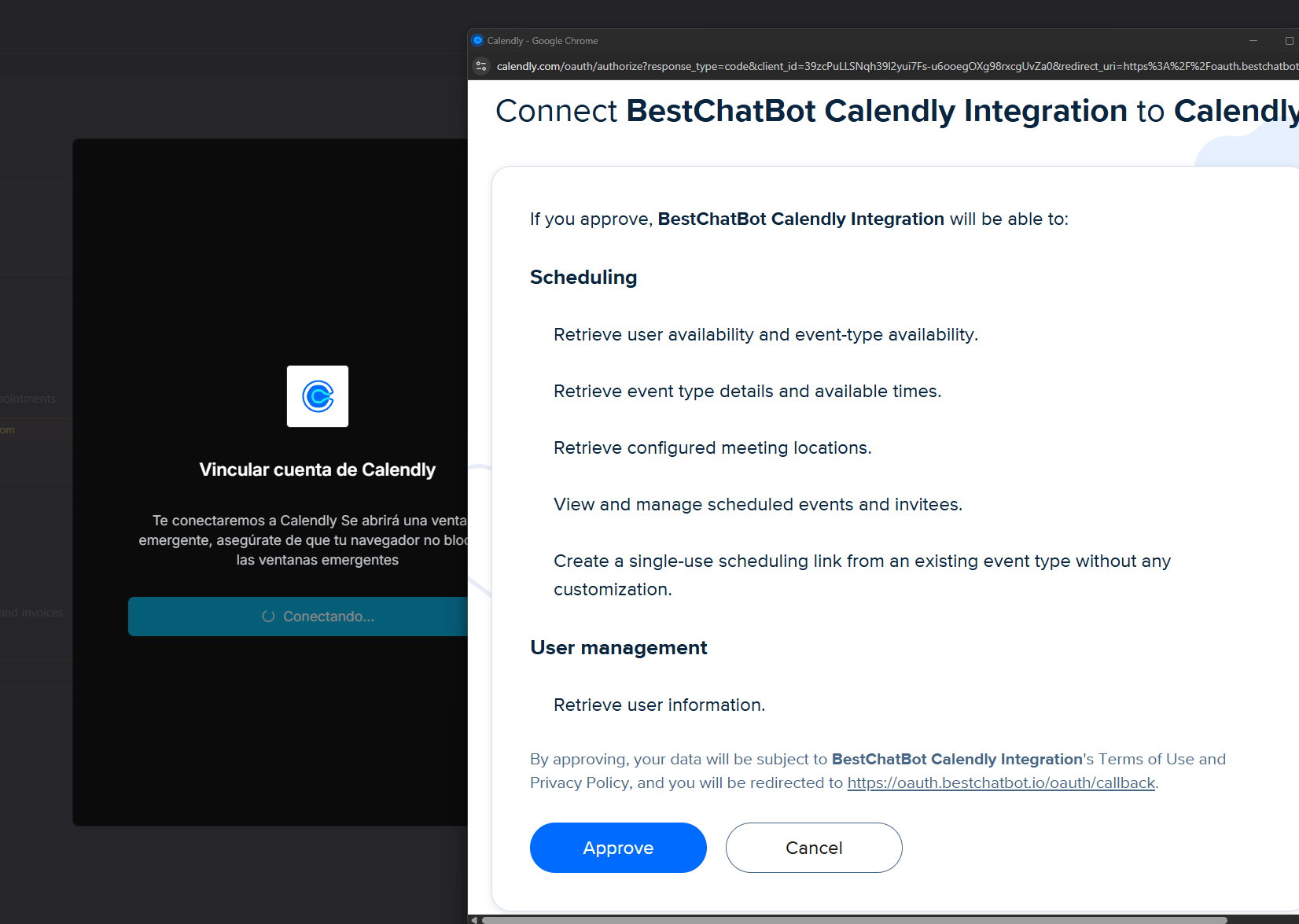
Choose an event type
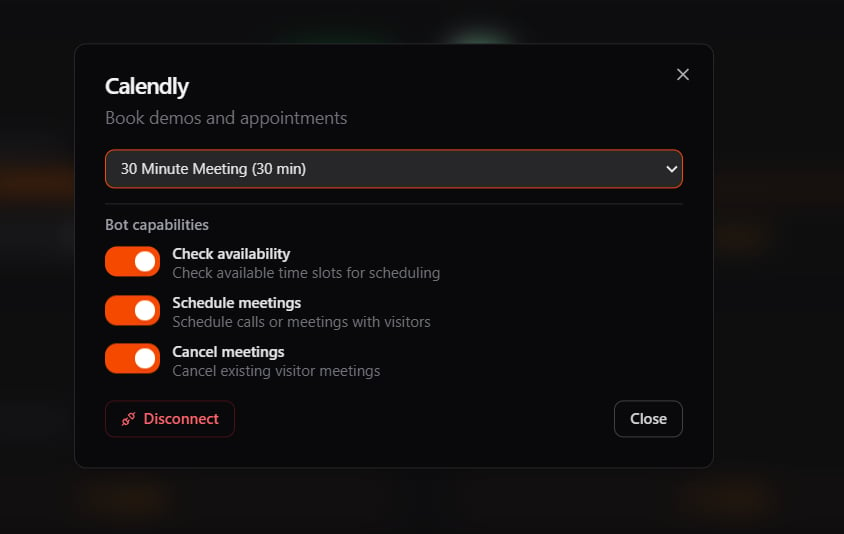
Calendly needs one more step: pick the event type the bot will book (for example, “30 Minute Meeting”). Until you select one, the integration shows a needs setup badge and won’t book meetings.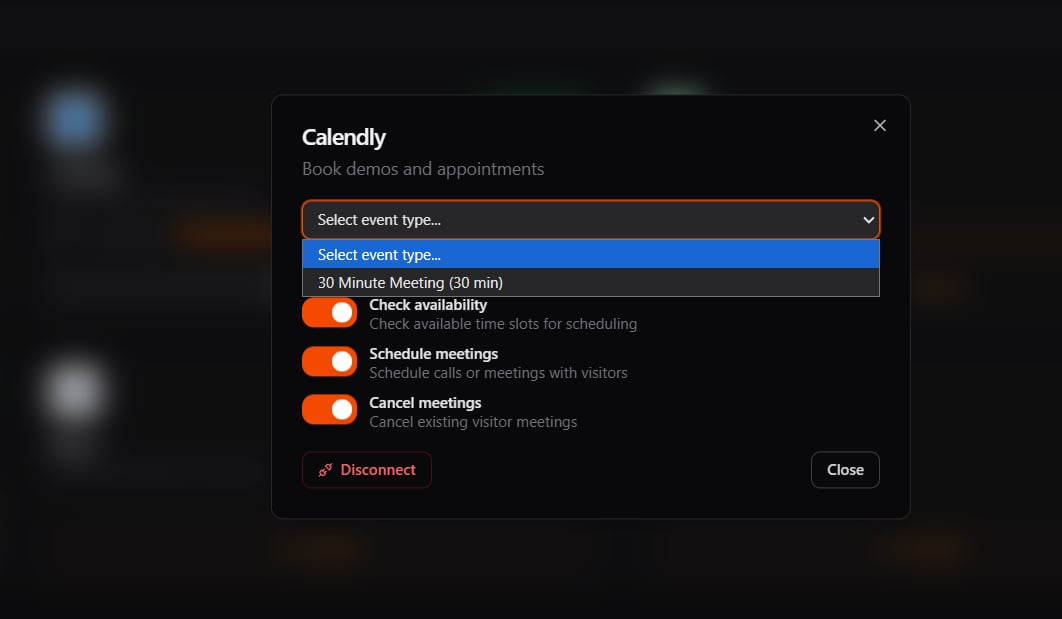
One per Category
Calendly is in the Scheduling category with Cal.com. Connecting one disconnects the other, so your bot always has a single, clear tool for scheduling.Availability
Next Steps
All Integrations
See the full catalog and how categories work.
Agentic Actions
Learn how the bot turns a request into a real action.