

Create Your Account
BestChatBot offers two ways to sign up: Google or Email and password. Pick whichever you prefer.How to Sign Up
1
Visit BestChatBot
Go to bestchatbot.io and click the Get Started button.
2
Choose Your Sign-Up Method
You’ll see two options:
- Continue with Google: one-click sign-up using your Google account
- Email and password: create a new account with any email address
3
Land on Your Dashboard
After signing up, you’ll be taken directly to the BestChatBot dashboard. From here you can create your first workspace.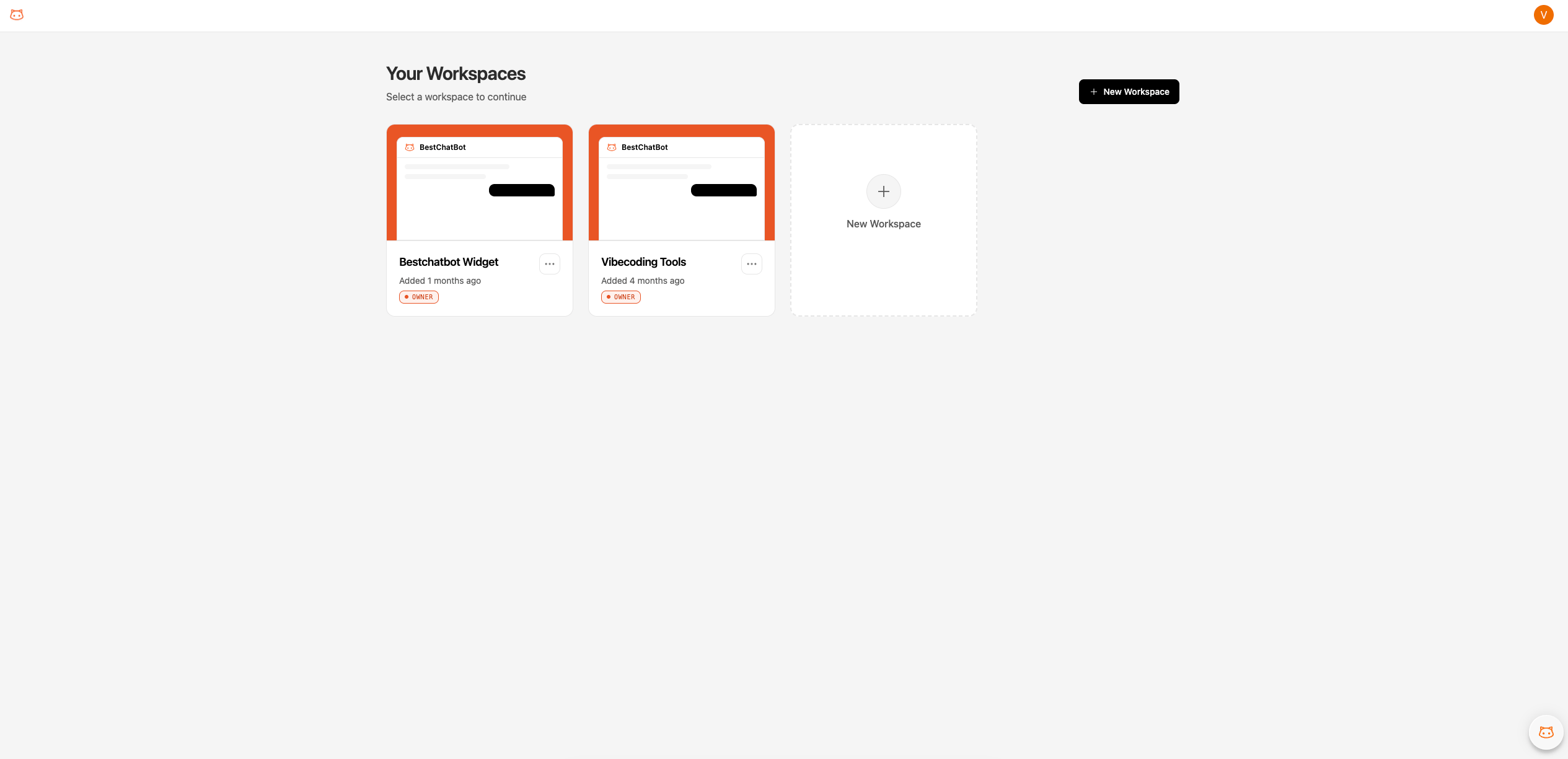
What Happens During Sign-Up
When you create your account, BestChatBot:- Creates your profile
- Takes you to the workspace selector where you can create your first workspace
- Each workspace is an independent environment with its own knowledge base and widget configuration. Billing is applied per account, not per workspace.
Next Step
Quickstart Guide
Get up and running in 5 minutes.
Deploy Your Widget
Configure and embed the chat widget on your site.