

Available Integrations
BestChatBot connects to 8 tools your business already uses. Once connected, your widget can perform real actions with them through Agentic Actions.Integrations are available on the Pro and Business plans.
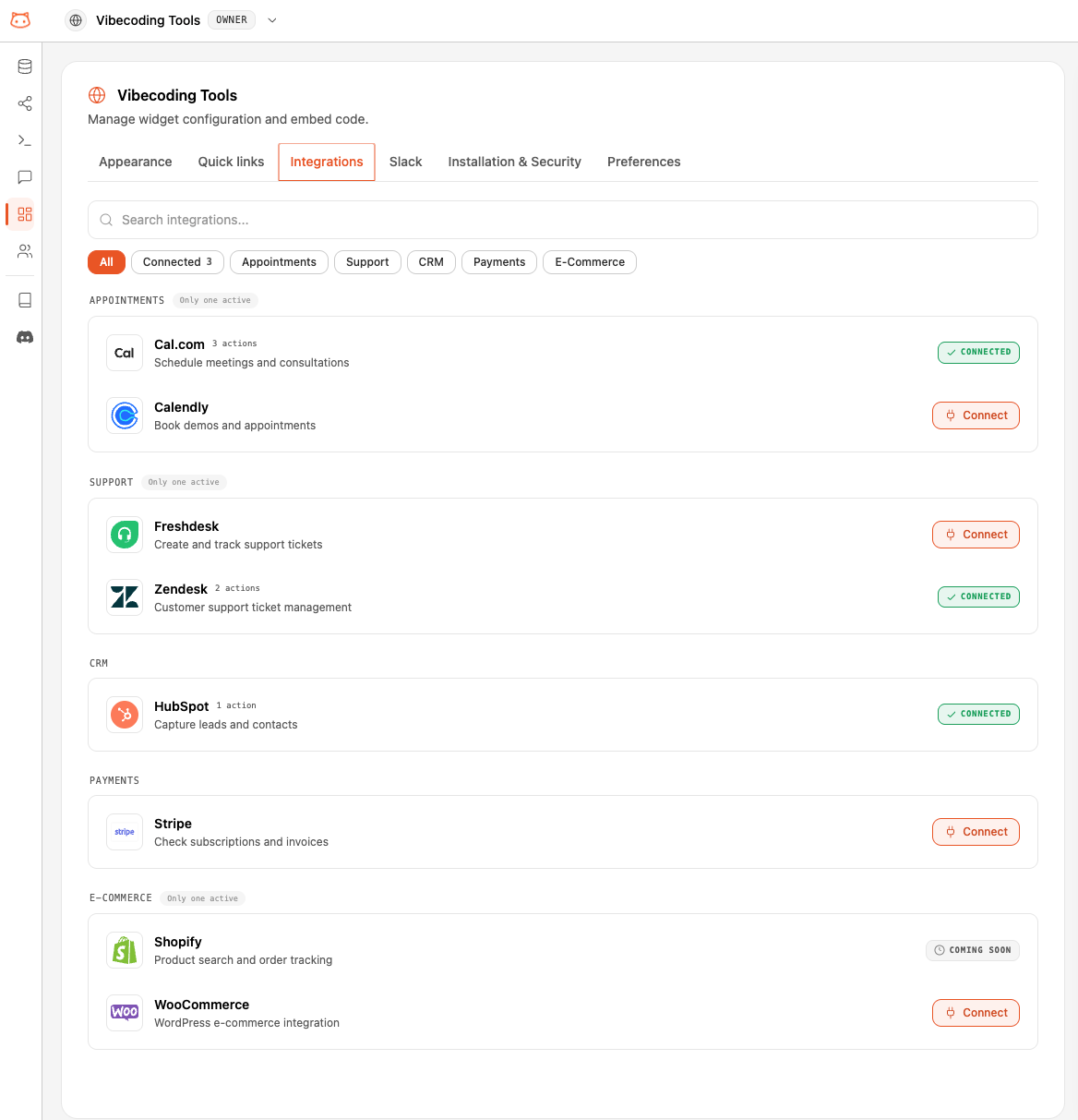
The 8 Integrations
One Integration per Category
Each category can have only one active integration at a time. The integrations in the same category expose the same actions to the bot, so allowing two at once would create ambiguity.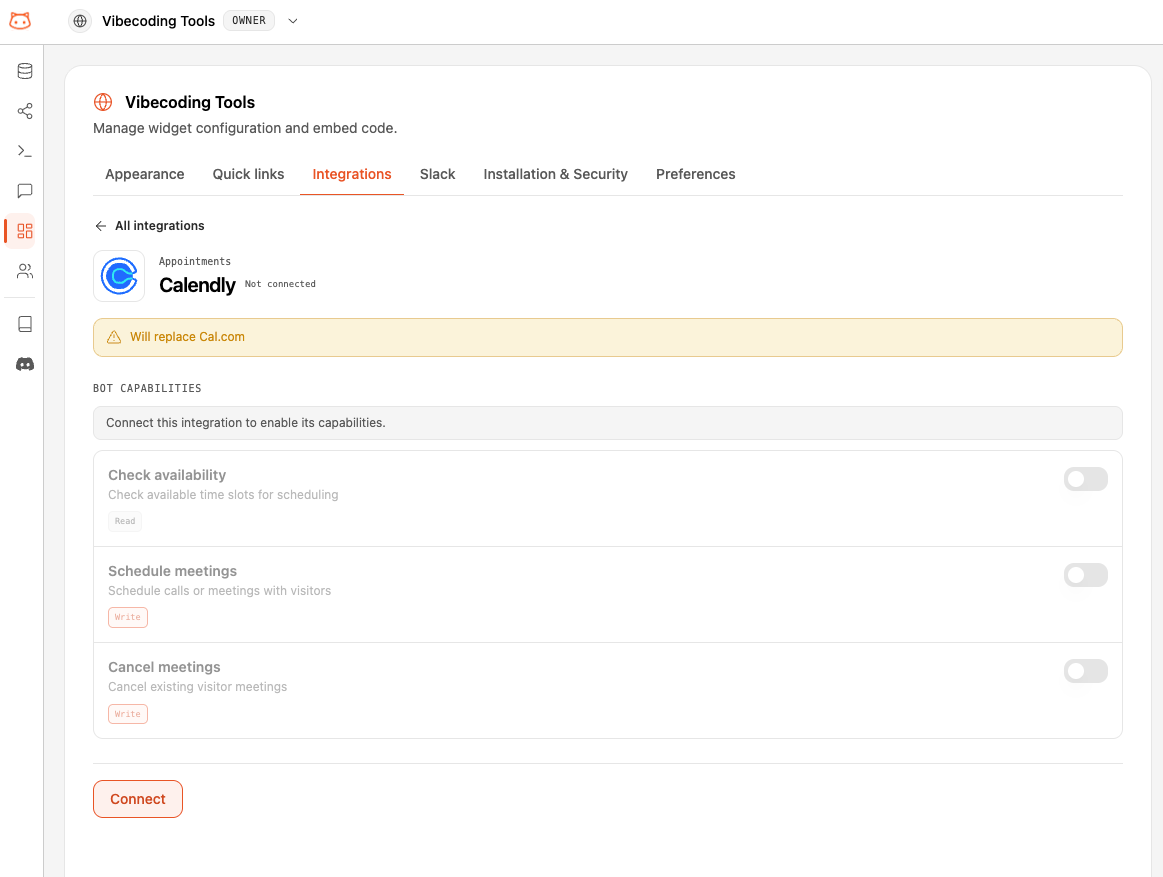
Connecting an Integration
Open Integrations
From your workspace dashboard, go to the Integrations page. You’ll see the catalog of available tools and their connection status.
Connect your tool
Click Connect on the integration you want and follow the secure authorization flow. You authorize BestChatBot directly with the provider, so your credentials are never typed into the chat.
It's live
Once connected, the integration’s actions become available to your widget right away. If another integration in the same category was active, it’s disconnected automatically.
Disconnecting
You can disconnect any integration from the Integrations page at any time. Its actions stop being offered to the widget immediately. Disconnecting one integration never affects the others.Availability
Next Steps
Agentic Actions
Understand how the bot decides to act and how visitors stay in control.
Members & Roles
Control who on your team can connect and manage integrations.