How the Bot Responds
BestChatBot works differently from typical Discord bots. It doesn’t use slash commands. It reads regular messages and responds naturally when it can help.What the Bot Responds To
| Scenario | Bot Responds? |
|---|---|
| Direct question about your product/service | Yes |
| Question that matches your knowledge base | Yes |
| Casual conversation between users | No |
| Off-topic messages | No |
| Messages in disabled channels | No |
Response Formatting
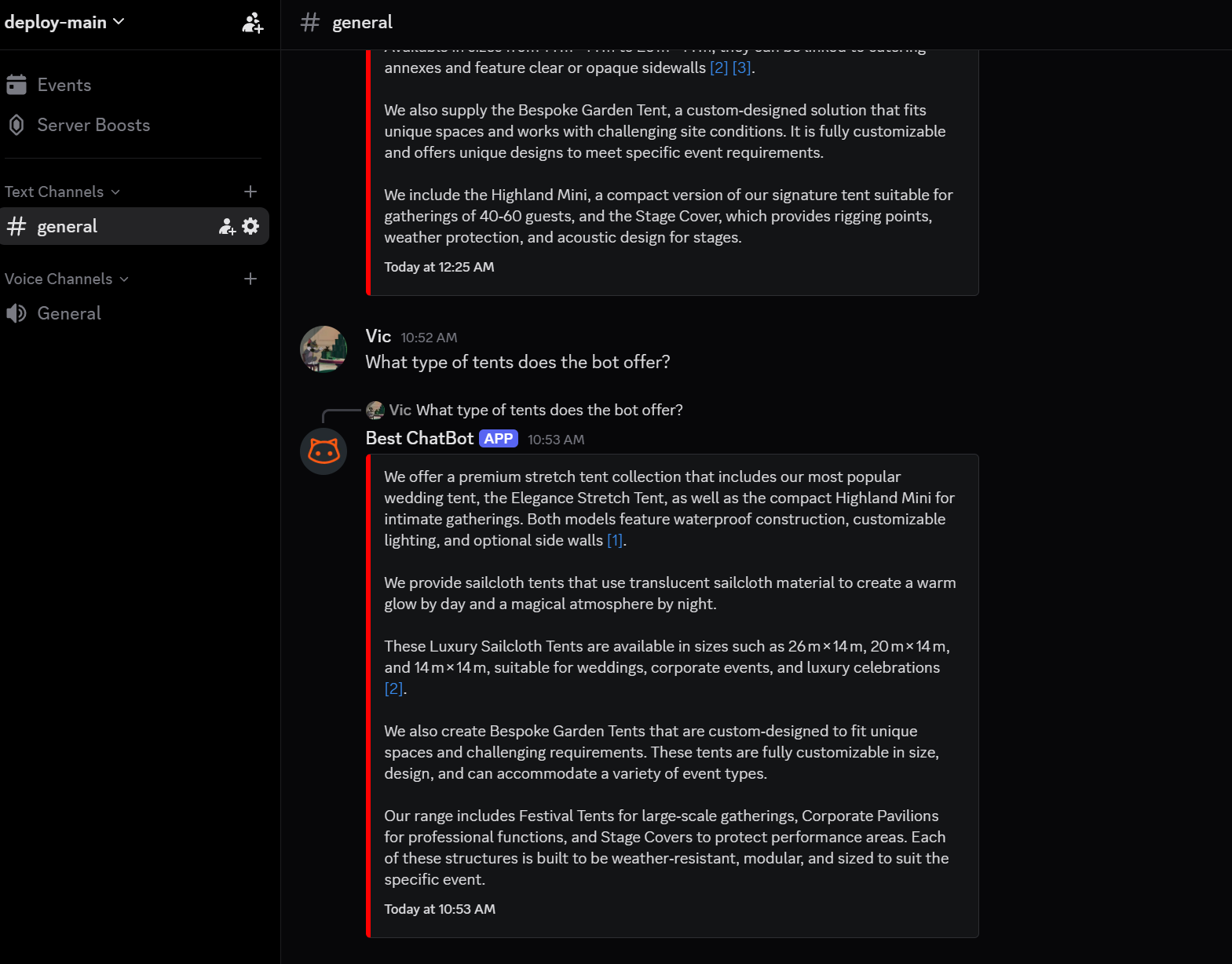
The bot formats its responses to be easy to read:- Short, clear paragraphs: No walls of text
- Cited sources: When relevant, the bot mentions where it found the information
- Natural tone: Matches the communication style you’ve configured (Professional, Casual, Technical, or Concise)
No Slash Commands
Unlike many Discord bots, BestChatBot does not require users to type special commands. Users simply ask their question naturally, and the bot responds. This makes it feel more like a human team member than a traditional bot.Next Steps
Test Responses
Test the bot’s answers from the dashboard.
Response History
View all past bot responses and analytics.