> ## Documentation Index
> Fetch the complete documentation index at: https://docs.bestchatbot.io/llms.txt
> Use this file to discover all available pages before exploring further.
# What is BestChatBot?
> An AI support agent that learns your business and answers questions 24/7 on your website.
# Welcome to BestChatBot
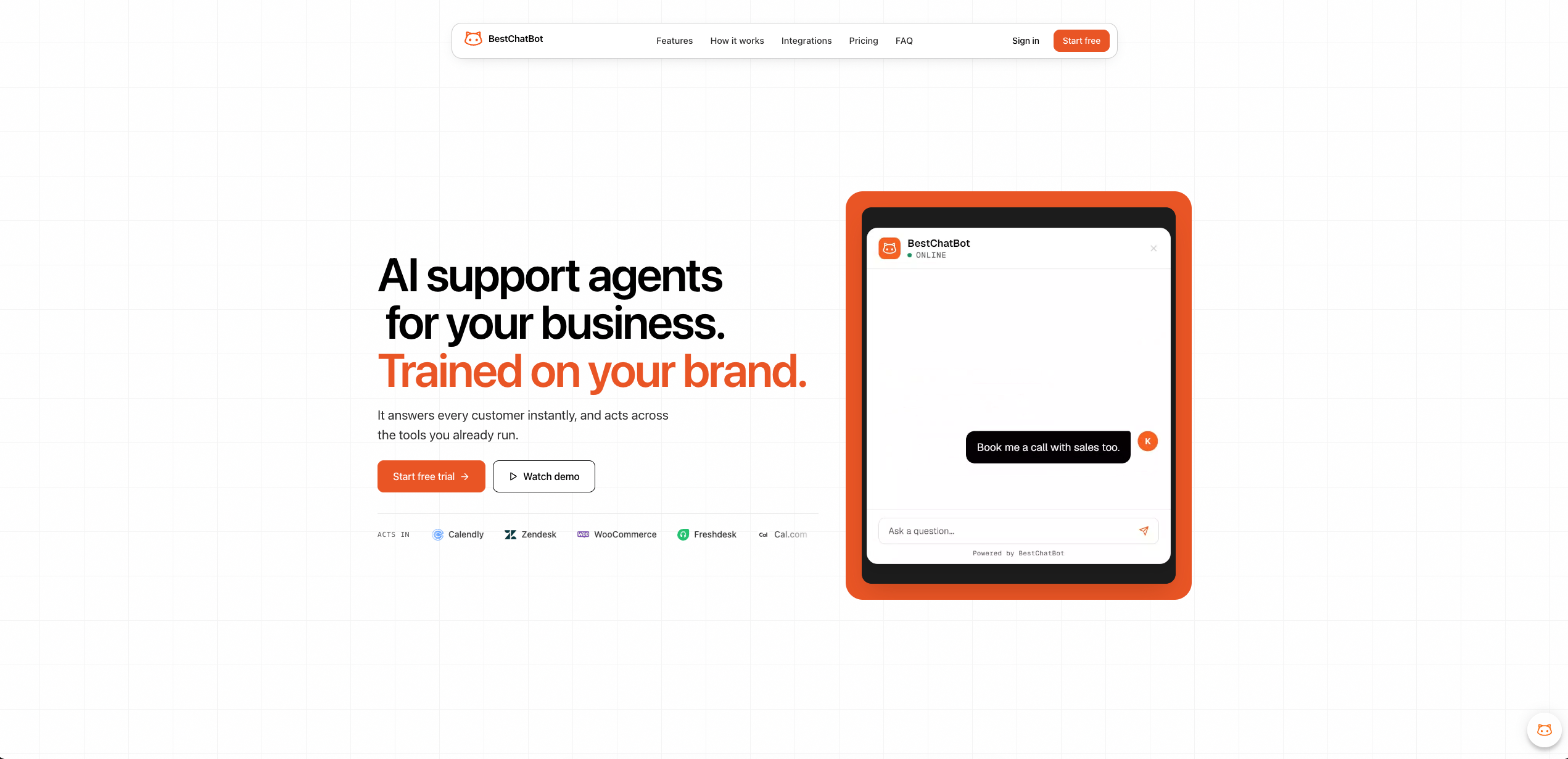
BestChatBot is an **AI support agent** that learns from your business knowledge and gives instant, human-like answers to your website visitors around the clock.
It's not just another chatbot. It's a **learning AI agent** trained on your own data. It gets better with every real conversation.
 Your visitors get natural, human-style interactions. They won't even realize it's AI.
The widget answers questions 24/7. Your visitors never wait, no matter the time zone.
You control, monitor, and update all chatbot activity from a single dashboard. No scattered tools, no confusion.
Upload documents, scrape URLs, and the bot picks up your business context right away.
## Why Businesses Pick BestChatBot
We built BestChatBot to save you time, protect your data, and make support completely hands-off. Here is what that looks like in practice.
Your data stays protected with industry-standard security practices.
One central hub of truth. Your chatbot pulls from a single source so answers stay accurate and consistent.
Drag, drop, and done. Upload FAQs, documents, or guides. BestChatBot instantly learns from them.
Paste a single script tag and the chat widget appears on your site. It runs in an isolated Shadow DOM, so it never conflicts with your CSS.
Answers appear word by word with cited sources. Mobile-friendly out of the box.
Whether you're a startup or a large team, BestChatBot handles more visitors without more staff.
## How It Works
Let's break it down into four steps.
Upload documents or scrape your website URLs. The AI agent picks up your business context right away.
Embed a chat widget on your website by pasting a single script tag. Each workspace has its own isolated knowledge base.
Match your brand color, set the tone (Professional, Casual, Technical, Concise) and response length. Tweak anytime.
Handle 10 conversations or 10,000 at the same time. No hiring, no training.
## Beyond Answers: Agentic Actions
On the **Pro** and **Business** plans, your web chat widget does more than answer. Right inside the chat, BestChatBot takes real actions for your visitors by connecting to the tools you already use:
Connect Cal.com or Calendly so visitors can schedule a call without leaving the chat.
Connect Freshdesk or Zendesk to turn a question into a tracked support ticket.
Connect Shopify or WooCommerce so visitors can check order status and browse products.
Connect HubSpot to capture leads, or Stripe for subscriptions and payments.
See how the bot decides to act and how visitors always stay in control.
## Ready to Get Started?
Set up your AI widget in 5 minutes.
Find the right plan for your traffic.
Your visitors get natural, human-style interactions. They won't even realize it's AI.
The widget answers questions 24/7. Your visitors never wait, no matter the time zone.
You control, monitor, and update all chatbot activity from a single dashboard. No scattered tools, no confusion.
Upload documents, scrape URLs, and the bot picks up your business context right away.
## Why Businesses Pick BestChatBot
We built BestChatBot to save you time, protect your data, and make support completely hands-off. Here is what that looks like in practice.
Your data stays protected with industry-standard security practices.
One central hub of truth. Your chatbot pulls from a single source so answers stay accurate and consistent.
Drag, drop, and done. Upload FAQs, documents, or guides. BestChatBot instantly learns from them.
Paste a single script tag and the chat widget appears on your site. It runs in an isolated Shadow DOM, so it never conflicts with your CSS.
Answers appear word by word with cited sources. Mobile-friendly out of the box.
Whether you're a startup or a large team, BestChatBot handles more visitors without more staff.
## How It Works
Let's break it down into four steps.
Upload documents or scrape your website URLs. The AI agent picks up your business context right away.
Embed a chat widget on your website by pasting a single script tag. Each workspace has its own isolated knowledge base.
Match your brand color, set the tone (Professional, Casual, Technical, Concise) and response length. Tweak anytime.
Handle 10 conversations or 10,000 at the same time. No hiring, no training.
## Beyond Answers: Agentic Actions
On the **Pro** and **Business** plans, your web chat widget does more than answer. Right inside the chat, BestChatBot takes real actions for your visitors by connecting to the tools you already use:
Connect Cal.com or Calendly so visitors can schedule a call without leaving the chat.
Connect Freshdesk or Zendesk to turn a question into a tracked support ticket.
Connect Shopify or WooCommerce so visitors can check order status and browse products.
Connect HubSpot to capture leads, or Stripe for subscriptions and payments.
See how the bot decides to act and how visitors always stay in control.
## Ready to Get Started?
Set up your AI widget in 5 minutes.
Find the right plan for your traffic.